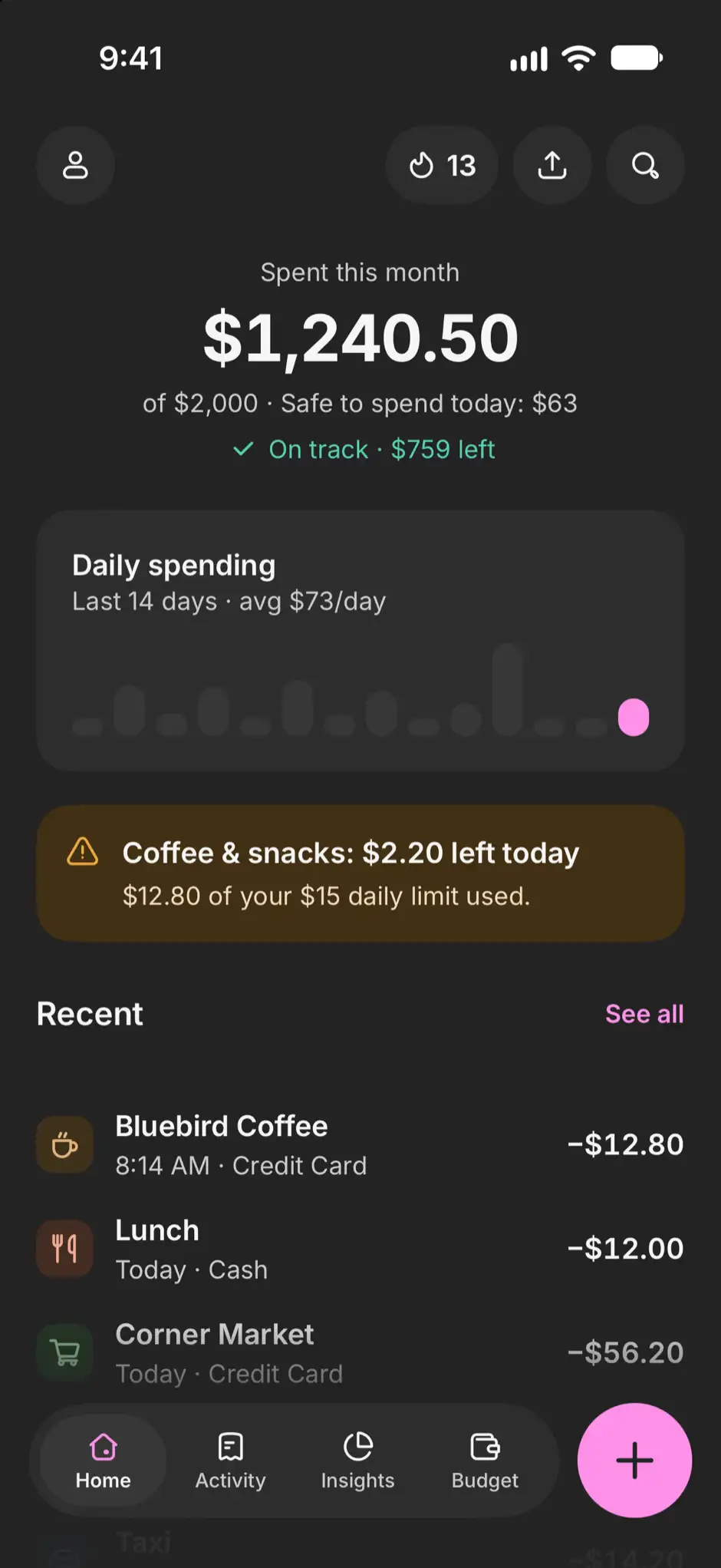
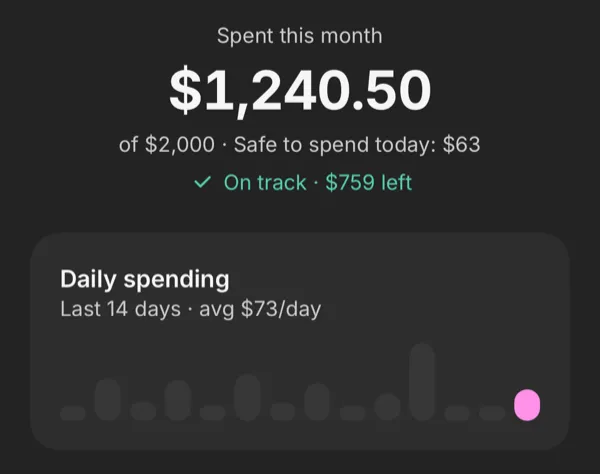
One number for today.
Finmoy divides what’s left of your monthly budget by the days left in the month, rounded down. Spend up to that today and the month stays on budget.
- Left this month
- $759
- Days left
- 12
- Safe to spend today
- $63
Log it in seconds.
Type the amount, pick a category, save. Or scan the receipt and let Finmoy read it.
Try it: tap the keys
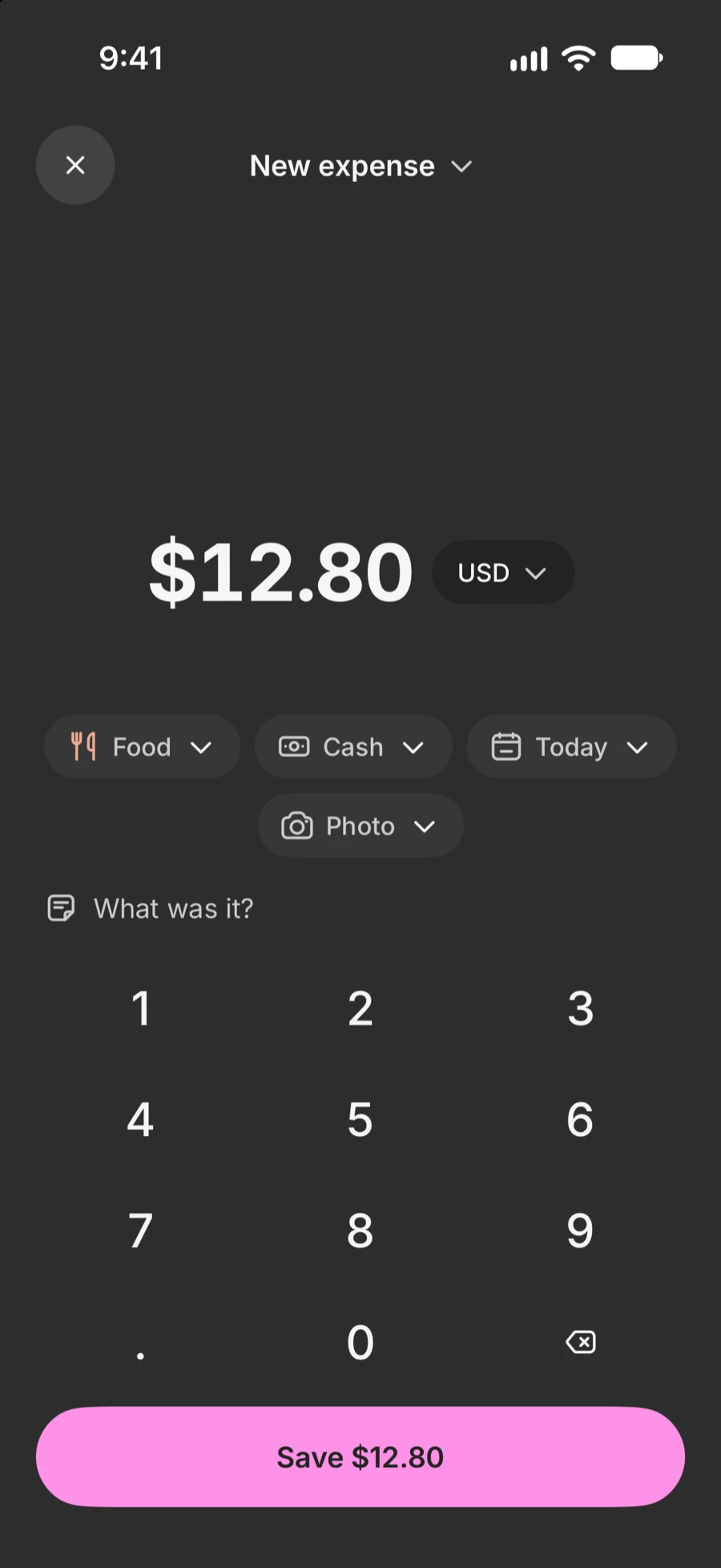

Type it
Amount, category, save.
Scan the receipt
Amount, store and date, read on your iPhone.
Say it
“Coffee 4.50, cash.” On iPhones that support it.
Quick add
What you buy often is one tap.
Siri and the Action Button
Log without opening the app.
See where it went.
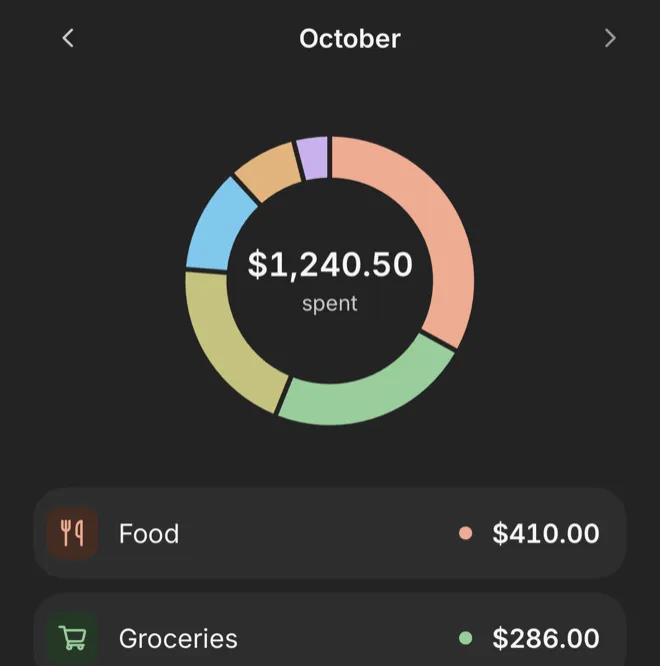
Every category. Your month at a glance. Tap the chart to see each share.
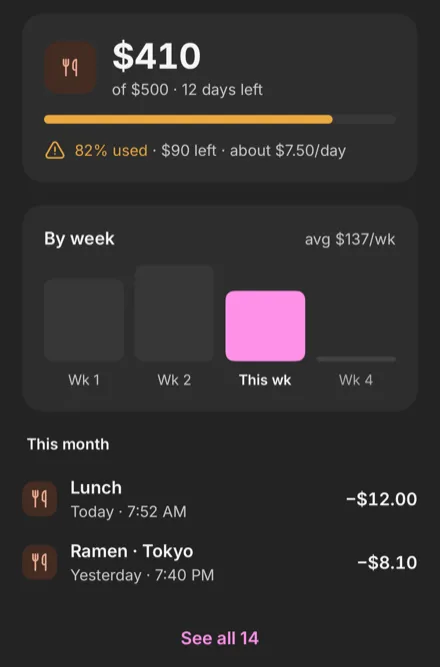
Budgets that speak up. Each category is flagged at 80%, with what’s left per day.
Records only. Your money stays where it is.
No bank login
Nothing to link.
No account
Open it and start logging.
Your iPhone, your iCloud
Meya Lab can’t see your records.
Free to start.
Free
- Logging without limits
- Budgets and safe to spend today
- Insights for your last 3 months
- 5 wallets and 3 spending limits
- Widgets, iCloud sync and Face ID lock
Pro adds
- PDF reports
- 12 months of Insights, the Year view and money flow
- Unlimited wallets and spending limits
- Bills that log themselves
- Unlimited Say it, on iPhones that support it
Plans and billing
Choose Monthly or Yearly (auto-renewing subscriptions), or Lifetime (a one-time purchase, offered at launch only). Yearly starts with a 7-day free trial. Prices are shown in the App Store. If Pro ends, nothing you recorded is deleted.
Payment is charged to your Apple Account when you confirm the purchase, or when the free trial ends. Subscriptions renew automatically unless you cancel at least 24 hours before the end of the current period or the trial.
Free also includes Say it 10 times a month (on iPhones that support it), your first PDF report and CSV export. Pro also includes Auto-log Apple Pay (where Apple Pay is available).
Questions.
Does Finmoy connect to my bank?
No. Finmoy only records what you enter. It never holds, moves or pays money.
Do I need an account?
No. Your records stay on your iPhone and, with iCloud sync on, in your private iCloud.
What happens when I get a new iPhone?
With iCloud sync on, your records come back on a new iPhone signed in to the same Apple Account.
Which iPhones and languages?
iPhone with iOS 17 or later, in English and Indonesian. Siri takes English phrases, and the Action Button needs iPhone 15 Pro or later.
Can I log other currencies?
Yes. Exchange rates are built in and come with app updates, so it works offline.
Is Finmoy free?
Free to download, and logging has no limit. Pro is optional.
Coming soon to iPhone.
Free to download. For iPhone with iOS 17 or later.
We’ll email you once when it’s out. Privacy